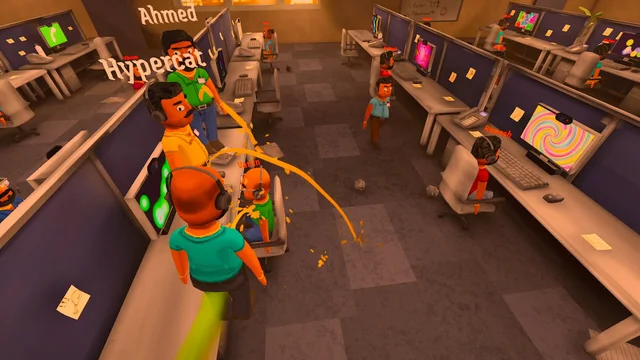
Official changes from the 0.1.82 section of the 19 October 2026 Steam announcement, checked on 20 October. These are documented game settings, not a child-safety rating or a guarantee about every AI reply.
What changes during calls?
The developer reports stronger handling for both caller openings and ongoing conversations, including a setting change during a call. The notes describe improved behavior rather than a promise that generated dialogue will never contain unsuitable material.
Whose setting applies to the boss?
Boss-review narration follows the host’s Family Friendly setting. Before a shared shift, agree which setting the host will use. That preparation is our reading of the documented host behavior; the patch does not establish that every other player preference is shared.
Browser and private-photo behavior
| In-game surface | When the mode is enabled |
|---|---|
| In-game browser | Blocked by Family Friendly mode. |
| PrivateMail and AnyViewer caller photos | Private caller photos are replaced with placeholders. Open photos refresh when the setting changes. |
| Boss-review narration | Uses the host’s Family Friendly setting. |
Check the build and the separate privacy controls
This announcement does not document a complete menu path, a keyboard shortcut or an age-suitability certification. Use the control displayed by your installed build. Family Friendly mode is separate from Disable Call Saving: the latter changes permanent saving of new call videos, while temporary boss-review recordings remain.
The game’s EULA warns that inaccurate or offensive AI replies can occur and that streamer settings do not guarantee privacy. Read the original terms and the recording guide before sharing a screen or a review clip.
Sources & version notes
Last checkedReview dates are shown above; dated community snapshots retain their own observation dates. Official facts, staff guidance and community observations are identified where used. Images and videos carry separate credits. Discord message links may require signing in and joining the official server. Early Access details can change.
Multiplayer & co-op
Confirmed lobby details, joining options, and what to check before a shared shift.